- Custom software
- Mobile apps
- AI solutions
- UX/UI design
Custom software, mobile apps, and AI solutions
Sidebench builds software products across four connected service areas: custom software development, mobile app development, AI solutions, and UX/UI design. This page explains what each one covers so you can decide which engagement fits your team.
How engagements usually start
Most projects begin with a scoping conversation: what you're trying to build, what's already in place, and what's blocking progress. From there we scope a first increment of work, typically a few weeks, so you can evaluate the fit before committing to a larger engagement.
Teams that already have engineering or design capability often start with a single gap rather than a full build. That first increment gives both sides something concrete to look at: a working slice of the product, a decision made with real constraints in front of you, and a clearer picture of what the next phase would cover.
If you are not sure yet which service area you need, that is a normal place to start. Tell us what the product has to do and who uses it, and we will help you work out whether the next piece of work is software, a mobile client, an AI feature, or design.
Four service areas, one team, and a first increment of work you can evaluate.
Custom software development
Custom software makes sense when an off-the-shelf tool doesn't fit, when a legacy system can't be replaced on someone else's timeline, or when the product itself is the business. We work in short increments so you see running software early rather than a specification document.
Scope usually covers architecture, backend services, integrations, and the operational work that keeps it all running. That last part is easy to leave out of a plan and expensive to leave out of a build: deployment paths, monitoring, error handling, and the routine maintenance any growing system needs.


Mobile app development
We build native iOS and Android apps, cross-platform apps, and mobile-first web experiences. The right choice depends on what the roadmap requires in year two, not what's fastest to prototype.
If your product leans on camera access, background location, offline behavior, or deep platform integration, native is usually the right call. If the feature set is closer to the middle, one codebase is often easier to maintain.
AI solutions
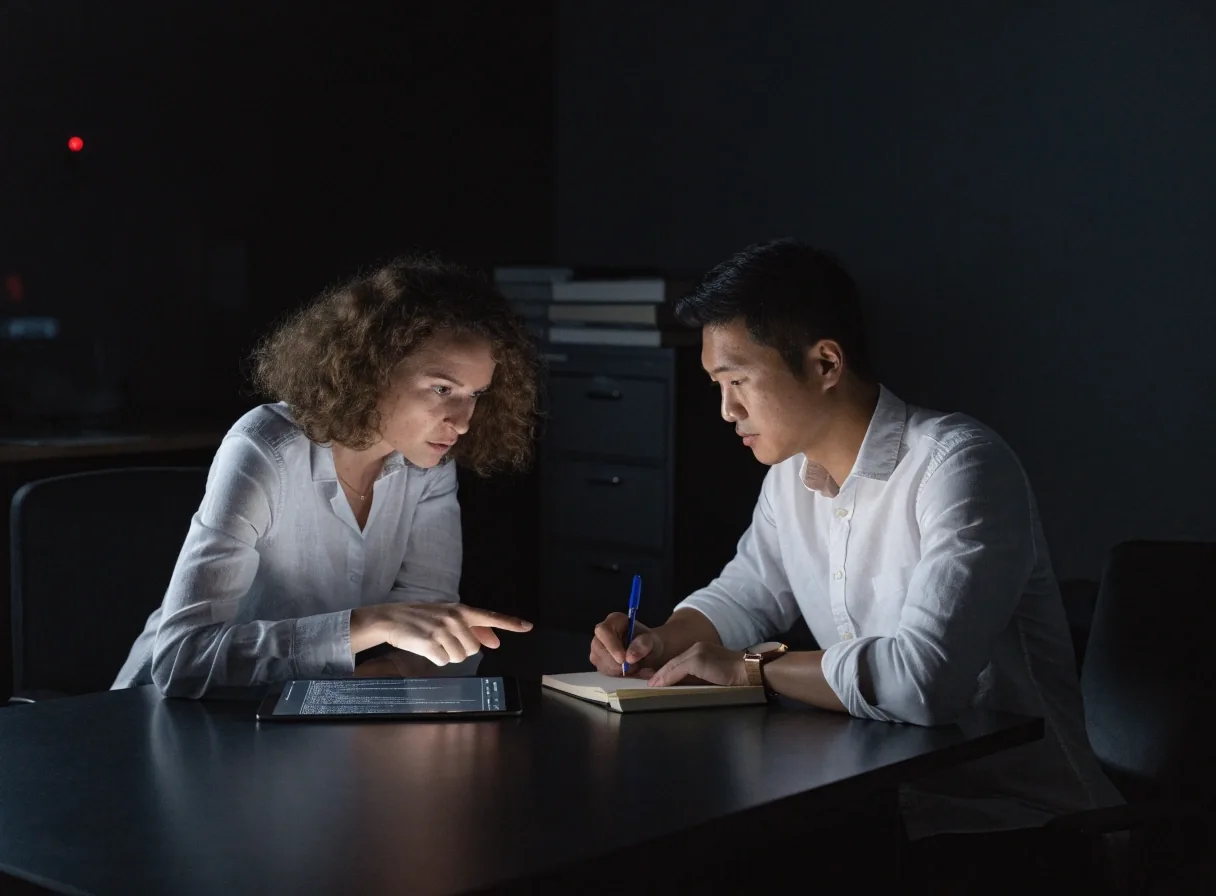
AI work at Sidebench covers RAG systems, workflow automation, and AI features embedded in existing products. We design with human-in-the-loop patterns as a default so there's a clear path when a model isn't confident.
Retrieval systems show their sources. Automation has defined escalation points. Interfaces make the AI's limits visible rather than hiding them.
Source-backed answers
Retrieval systems are set up so a reviewer can see where an answer came from before it is trusted in front of a customer.
Clear escalation points
Automation routes uncertain cases to a person instead of guessing. The rule for when a human steps in is written down, not implied.
Honest interfaces
Screens show confidence, limits, and what the system cannot do, so users learn how far to lean on an AI feature.

UX/UI design
Design covers the surface and the system behind it. We build design systems that engineering teams can actually implement, use rapid prototyping for early exploration, and bring in prompt-to-code workflows when they speed up the work.
Design and engineering work on the same problem from week one, which is where most handoff overhead disappears.
Where AI design tools fit
Prompt-to-code tools like v0, Magic Patterns, and Bolt are useful for early exploration and quick prototypes. Relume helps with sitemap and information architecture planning. Uizard is a reasonable starting point for wireframes.
These tools speed up first drafts. They don't replace the design and engineering judgment that keeps a product coherent as it grows.
What the tools are good at
Turning a rough idea into something clickable within a day, exploring several layout directions quickly, and giving stakeholders something visual to react to before any production code exists.
What still needs a team
Real data models, accessibility, edge cases, component libraries that survive a year of changes, and the backend work that makes a prototype real. The first draft is a starting point; the decisions after it are the product.
Working with an existing team
If you already have engineers and designers in-house, we can fill a specific gap rather than run the whole project. The engagement shape follows the need.
- Launch support
- Augmenting a mobile team during a launch when the internal group is stretched right before a release.
- AI expertise
- Adding AI engineering expertise to an existing platform that has data and users but no retrieval or automation layer yet.
- Design system rebuild
- Running a design system rebuild alongside an internal design team so components and tokens land in code, not only in files.
- Single-gap work
- Handing one well-bounded problem to us while your engineers stay on the rest of the roadmap.
Choosing the right engagement
Short answers to the questions that come up most often before a first conversation.
Should we build native or cross-platform for a first release?
It depends on what year two looks like. If the product relies on camera, background location, offline behavior, or deep platform integration, native usually holds up better. If the feature set sits closer to the middle, one codebase is often easier to maintain and faster to ship.
Do we need a finished specification before work starts?
No. Most projects start from a scoping conversation about what you are building and what is blocking progress. We then scope a first increment of a few weeks so you can see running software early rather than reading a long document first.
Where does an AI feature make sense first?
Usually where a repetitive decision already has data behind it, and where a wrong answer can be reviewed before it reaches a customer. That is the profile that fits retrieval systems and workflow automation with clear escalation points.
Can design and engineering run at the same time?
Yes, and that is how we prefer to work. Design and engineering are on the same problem from week one, which removes most of the back-and-forth that a formal handoff creates.
Do you only work with companies in Los Angeles?
No. Sidebench is based in Los Angeles and works with product teams across the United States, from early-stage companies building a first version to established organizations modernizing internal systems. Coordination is usually remote-first with regular checkpoints, and we travel when a project needs it.
Where we work
Sidebench is based in Los Angeles at 149 South Barrington Ave, CA 90049. We work with product teams across the United States, from early-stage companies building their first version to established organizations modernizing internal systems. Coordination is usually remote-first with regular checkpoints, and we travel when a project needs it.
Office
149 South Barrington Ave
Los Angeles, CA 90049, USA
Hours
Monday to Friday
9:00 AM – 6:00 PM
Contact
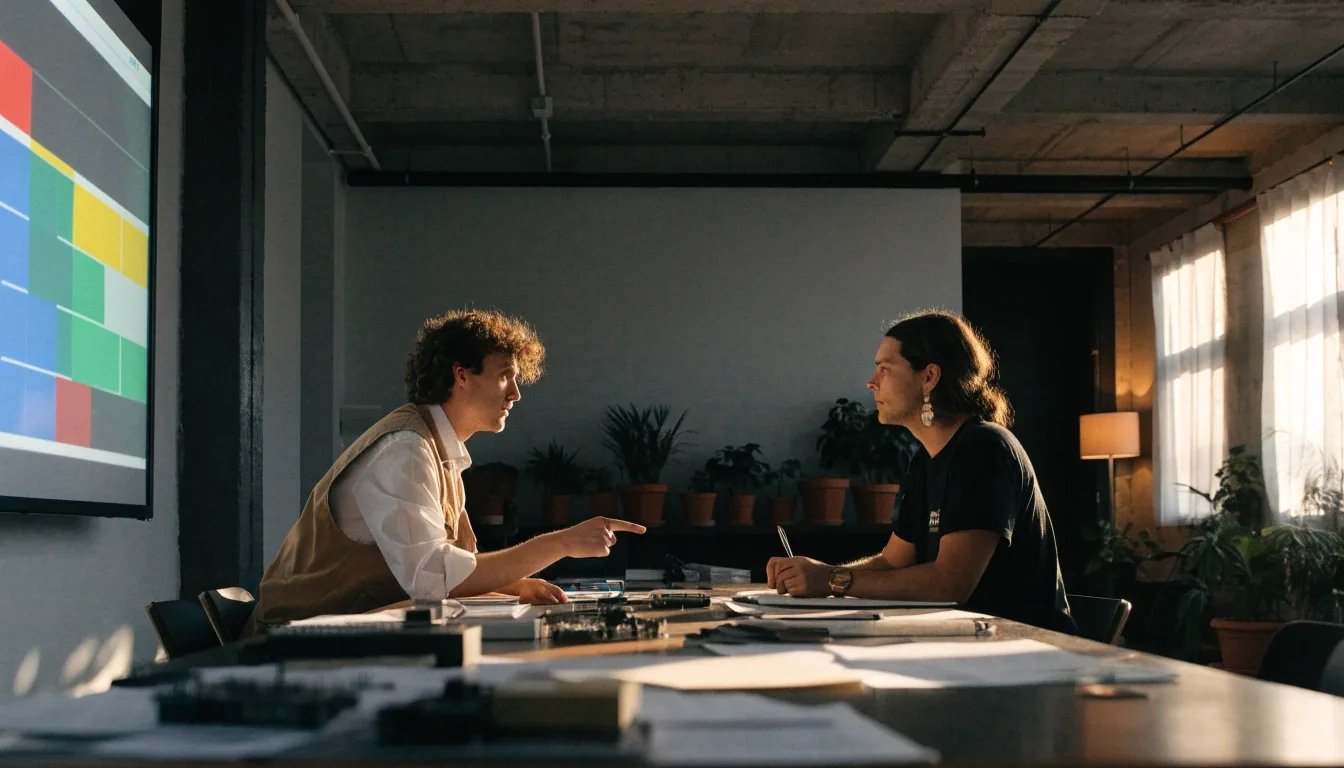
Tell us what you want to build, and we will scope the first increment.
Sidebench is a Los Angeles IT company working with teams across the United States on custom software, mobile apps, AI solutions, and UX/UI design. Bring what you already have, and we will help you decide the next piece of work.