Behind the search box
Retrieval over your own documents and records, with ranking tuned to what people actually search for on the day they need the answer.

Selected engagements
Sidebench takes on product work where the problem is still moving: custom software that replaces a spreadsheet, a mobile app that has to hold up under real use, an AI layer inside a platform people already depend on. What follows is how those engagements usually take shape.
We don't lead with logos or testimonials. What matters more is whether the shape of an engagement matches the shape of your problem. The patterns below describe the kinds of projects we take on most often. If one of them sounds like what you're working through, that's usually a useful signal.
Each pattern covers the situation we usually arrive into, the constraint that decides the architecture, and what the finished product has to survive once it's in someone's hands. Read the one that sounds closest to your roadmap, then tell us where the friction is.

A lot of our custom software development work replaces spreadsheet-based workflows that have outgrown themselves. Operations teams managing complex scheduling. Field teams needing offline-capable mobile tools. Finance or compliance workflows that no off-the-shelf product fits.
These projects tend to be less about novel interfaces and more about getting the workflow right, which means spending real time with the people who do the work.
If your team is still exporting to a spreadsheet to answer a question the tool should answer, that's the usual starting point.
Mobile app development here starts from the constraints that only appear after launch, not the happy-path demo.
Background location drains a battery faster than users tolerate. Offline behavior decides what the interface is allowed to promise. Push notification timing decides whether the product feels useful or noisy.
We work within the native permissions, background execution and energy rules from the first sprint, so the product doesn't need a rewrite when the first real users arrive.
Poor connectivity, interrupted sessions, partial sync, and the support questions those produce. The design has to answer for them, not just the network layer.
One release that a real field team can rely on beats a broad feature list that fails in the first week of use. Scope follows the constraint that breaks first.
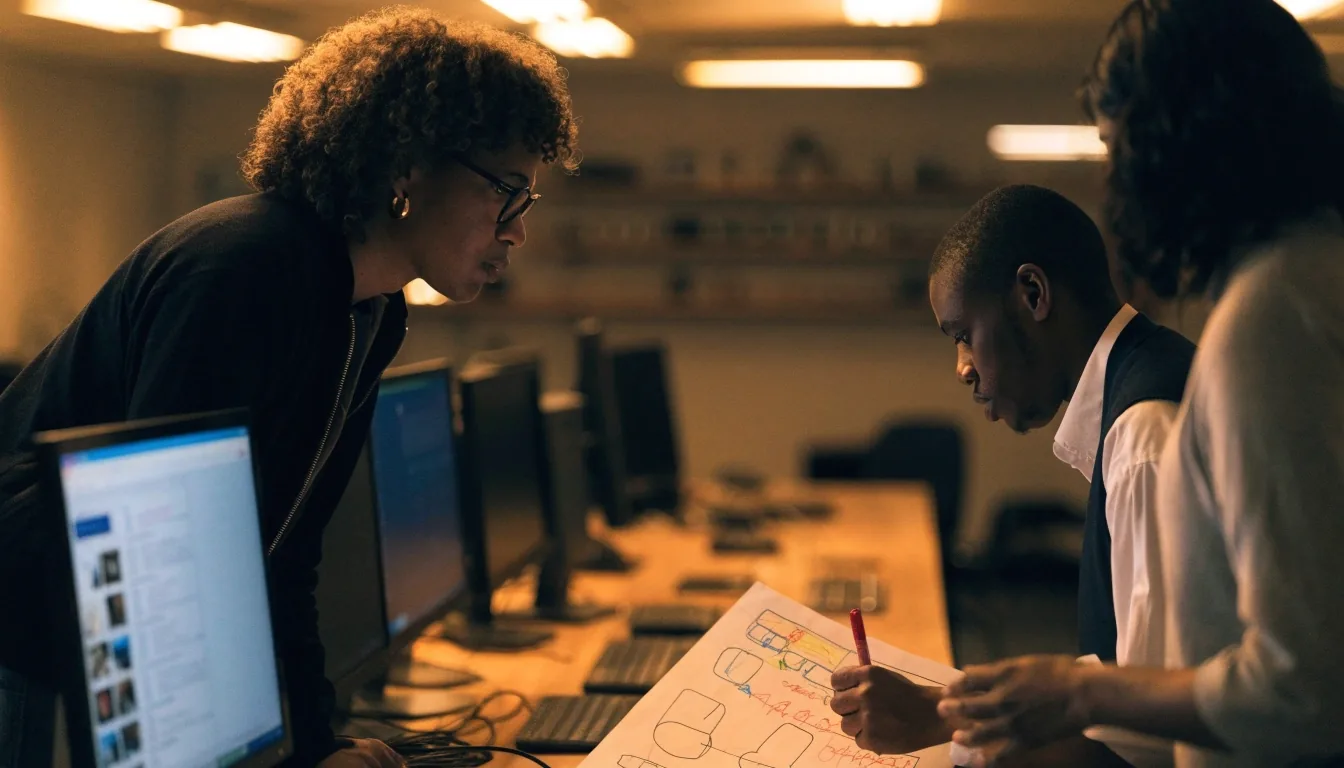
Most AI work we do isn't a standalone chatbot. It's a retrieval system behind a search box, a summarization step inside a support workflow, a classification model routing tickets. These features are usually invisible to the user, which makes them harder to get right.
Retrieval over your own documents and records, with ranking tuned to what people actually search for on the day they need the answer.
Summarization and drafting steps that sit between two existing screens, so the team keeps its current process instead of learning a new tool.
Classification that sends each request to the right queue, with a clear fallback when the model isn't confident enough to decide.
Evaluation, edge case handling, and a clear path when the model isn't confident all matter more than the model choice itself. We build the measurement first, then the feature.

When a product has grown past the point where design consistency can be maintained by hand, a design system usually pays for itself. We build systems that engineering teams actually use: component libraries, tokens, spacing rules, and documentation that matches how the product is built.
UX/UI design work here is inseparable from the build. Redesigns rarely work when the design hasn't been grounded in the constraints the engineering team already knows, so the design and the codebase move together.
Some engagements are about testing an idea before committing to a build. We use rapid prototyping and prompt-to-code workflows to explore concepts quickly, then bring in the design and engineering judgment that generated code can't provide.
The output is usually a clickable prototype and an honest read on how much work the real version would take. That read includes what the generated starting point covers, and what still needs to be written by hand before it can carry real traffic.
We agree on the one decision the prototype has to unblock before any screen gets drawn.
The concept is built around the uncertain step, not the screens that are already obvious.
A clickable prototype in a real session tells you more than another round of internal review.
You get a plain estimate of what the production version requires, including the parts a generator won't finish.
We're not a body shop and we don't sell hours. We build products, which means we care about what happens after launch.
We also don't pretend that AI is the answer to every workflow problem; sometimes the right recommendation is a simpler tool, and we'll say so. If we're not the right fit, we'd rather say that early — before either side spends time on a proposal.
Short answers to the things teams usually want to settle before they describe their project to anyone.
No. Most useful conversations begin with a problem statement, a constraint, and a rough sense of timeline. A folder of requirements is welcome but never the price of entry.
We'll say so. If an internal tool or an off-the-shelf product solves the problem sooner, that's the recommendation you'll get, even when it's a shorter engagement.
Yes, and it starts with reading rather than rewriting. We map what's working, what will block the next release, and what can stay in place while the product keeps running.

Send a short brief through the contact page describing what you're building, what's already in place, and where the friction is. You don't need a full spec. Most useful conversations begin with a problem statement, a constraint, and a rough sense of timeline.
Prefer to read first? The services pages cover custom software, mobile products, AI solutions, and UX/UI design in the same detail.