Sidebench · UX/UI design practice
UX and UI design for software products
Design at Sidebench covers the parts that show up on screen and the parts that don't. A design system engineering teams can implement. A prototype that answers a real question instead of looking impressive. Prompt-to-code workflows where they speed things up, and careful design work where they don't.
What design work at Sidebench actually includes
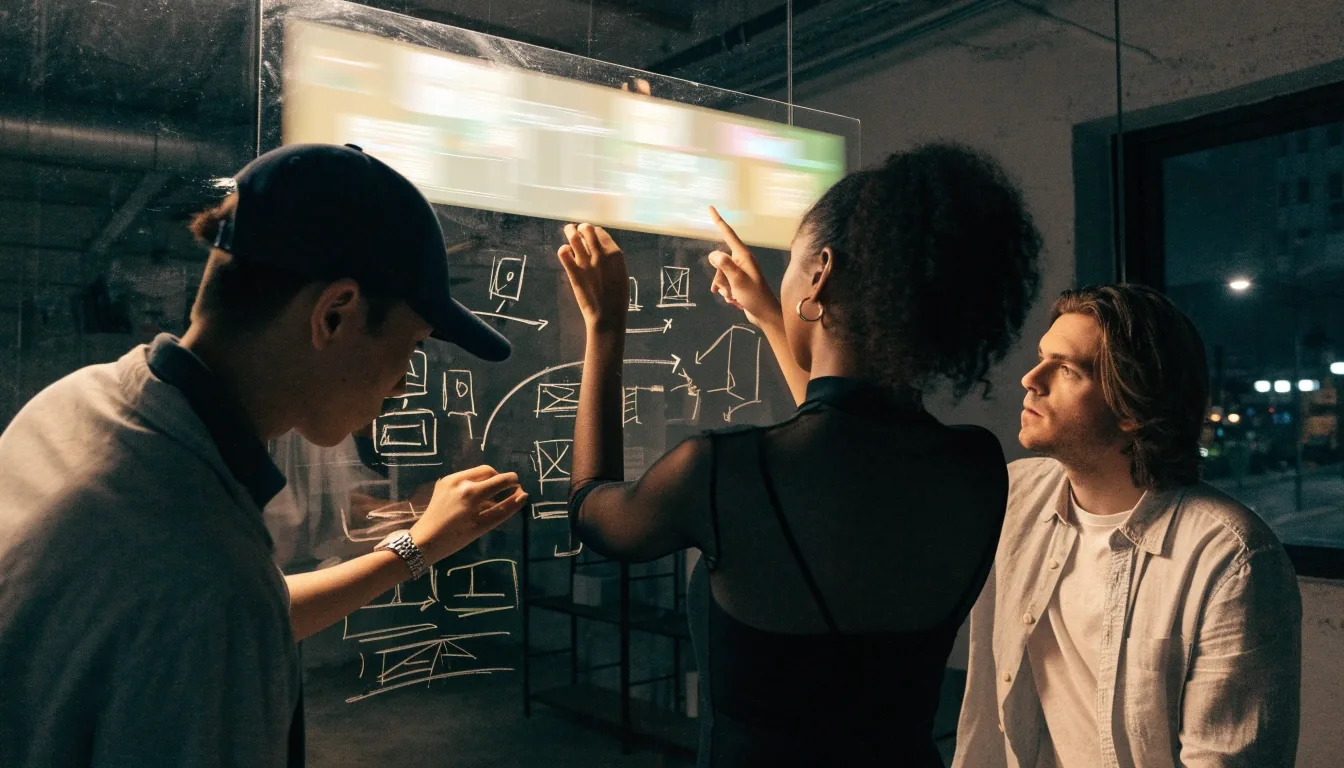
Most design engagements here start with a question, not a deliverable. Something is confusing for users, a flow is breaking on mobile, or a product line is about to grow and there is no shared visual language yet. We work in short cycles with engineering in view the whole way, so the design that ships is the design that was drawn.
That covers rapid prototyping, design systems, interface copy, accessibility and responsive behavior, and the newer prompt-to-code workflows that have changed what early exploration looks like. If your team already has designers, we can plug into one specific piece instead.
How we approach design
Design starts with the constraint, not the moodboard.
What is the product trying to do, who is using it, and what breaks if it is confusing? Those questions shape the draw before anyone opens a design tool. We work in short cycles and share work with engineering as it develops, rather than waiting for a polished handoff at the end.
That rhythm usually produces fewer revisions, and a design that survives into production instead of getting quietly rebuilt in code six weeks later. It also means trade-offs get made with the engineering constraint in the room, not after it.

Design systems
A design system is worth building when a product has enough surface area that consistency starts breaking down. We build around the patterns the product actually uses, not an exhaustive library nobody maintains.
Components and tokens
Reusable pieces with named color, type, and spacing tokens, so a new screen does not introduce a new visual dialect.
Layout and spacing rules
Documented grid, rhythm, and density rules that engineers can follow in code without guessing at intent.
Documentation the team uses
Short written guidance for when to use a pattern and when not to. Teams with engineering depth often start here.
Prototyping and new tools
Rapid prototyping, and where it stops
Prototypes are useful when they answer a specific question: does this flow make sense, does this layout work on mobile, does this interaction feel right. We build with that question in mind rather than trying to make them look finished.
Uizard is a reasonable starting point for early wireframes, and Whimsical AI helps teams map user journeys before anyone opens a design tool. Neither replaces a decision about what the flow should do.
Prompt-to-code has changed the first draft
Tools like v0, Magic Patterns, and Bolt can produce a working front-end screen in a few minutes. That is genuinely useful for testing a concept while the idea is still cheap to change.
The cleanup work is real
Generated screens rarely match an existing design system. Accessibility, responsive behavior, and microcopy usually need a designer's attention before the screen is worth shipping.
Where taste still has to come from a designer
We use these tools to speed up the first draft, then take over for the parts that need taste and consistency: hierarchy, edge states, motion, and matching the rest of the product.
If you want to see how this plays out alongside AI-assisted work, review our AI work and we can talk through the boundary cases together.
Design and product copy are one material
Interface copy is part of UX, not a marketing afterthought. Button labels, error messages, empty states, and confirmation dialogs all shape whether a product feels understandable the first time someone uses it.
Tools like Jasper help generate variants quickly, but the final voice has to fit the product. We treat copy as a design material alongside layout and interaction, writing and revising it in the same pass as the screen.
States that get skipped
Loading, empty, error, and success. Usually the first things forgotten and the first things users hit.
Words that carry the flow
Labels, confirmations, and helper text reviewed with the layout, not after it, so tone matches the screen.

Accessibility and responsive behavior
Accessibility is a reviewable standard, not an aspiration. We design with keyboard navigation, screen readers, color contrast, and responsive breakpoints in mind from the start, because retrofitting accessibility into a finished design is expensive.
Keyboard and screen reader first
Focus order, focus states, and labels planned alongside the visual design, not bolted on after launch.
Contrast held to a real standard
Type and color choices tested against contrast rules, so the palette works for more people from day one.
Breakpoints decided, not inherited
A screen that works on a laptop and breaks on a phone is a design issue, not a mobile issue. We plan the layout at each size on purpose.
Designers and engineers on the same problem, in the same week
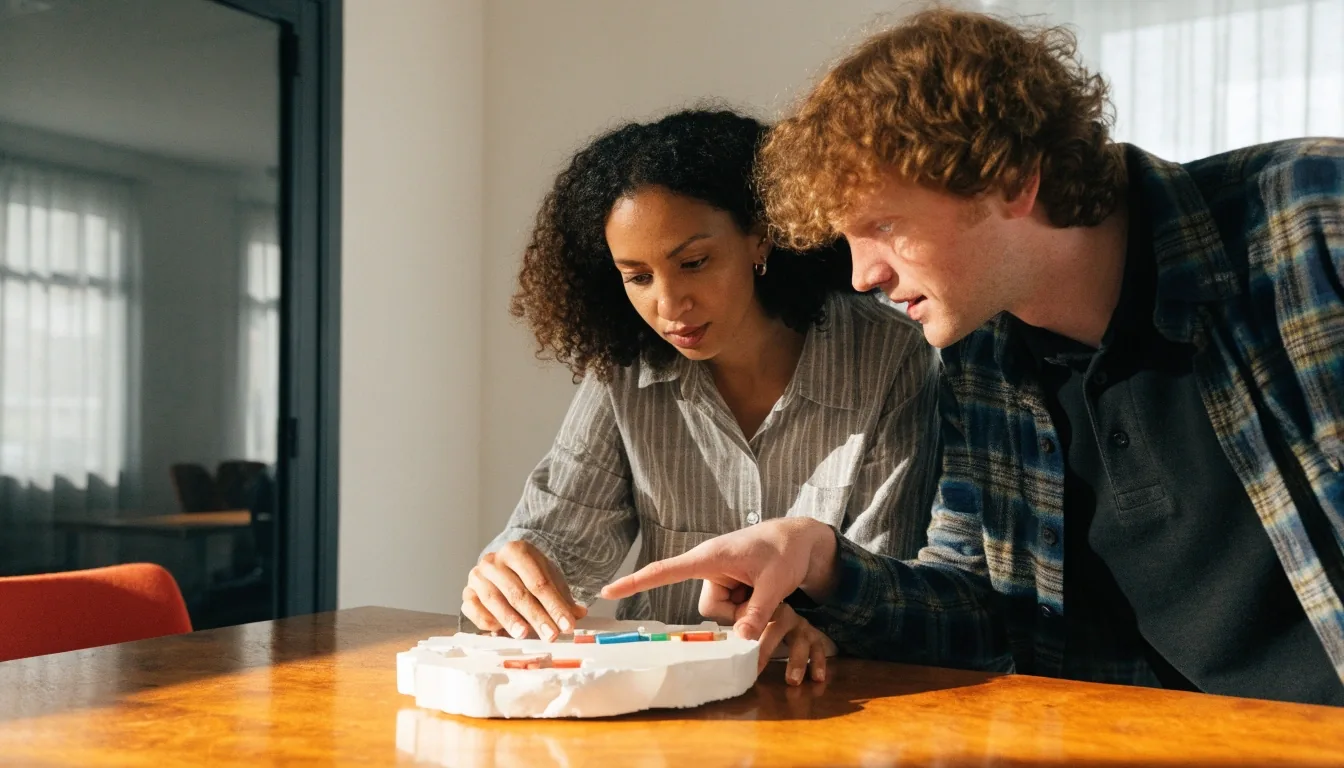
A designer who knows the engineering constraint makes better trade-offs. An engineer who understands the design intent makes better implementation decisions. This is less about process diagrams and more about not creating a handoff where there doesn't need to be one.
Working with an existing design team
If you already have designers in-house, we can take on a specific piece: a design system rebuild, a mobile design pass, or prototyping work for a new product line. We plug into the team's existing tools and review cadence rather than imposing ours.
The goal is to make the internal team faster, not to replace them. That usually means clear scoping up front about what we own and what stays with your designers.
Start a project briefQuestions teams ask before an engagement
How do you scope a design engagement?
We start with the constraint you are working against and agree on one or two problems to solve first. That keeps the first cycle short and lets you judge the working relationship before committing to a larger piece.
Do we have to be a design-systems candidate to work with Sidebench?
No. Some engagements are a single prototype round to answer one flow question. Others are a full system rebuild. The work is scoped to the surface area you actually have, not to a fixed package.
How do prompt-to-code tools change the way you work?
They shorten the first draft. A prompt can produce a working screen in minutes, which is useful for testing a direction. The design still needs a reviewer for consistency, accessibility, and microcopy before it belongs in your product.
Can you work alongside our engineers and mobile team?
Yes. Most of our engagements involve the engineering and mobile side of the product from week one, in your tools and your review cadence. That is usually what keeps a design from getting quietly rebuilt in code.
Bring us the design problem you have not been able to solve
Send a short brief or just describe what is breaking. We will tell you straight whether it is a design system rebuild, a prototyping round, or something your internal team is better placed to own.
Sidebench · 149 South Barrington Ave, Los Angeles, CA 90049 · +1 415-584-8749 · Monday to Friday, 9:00 AM – 6:00 PM